Features
Everything your folders
have been hiding
A map you can see, a pulse you can feel and a search that understands you. All of it on your Mac, none of it in the cloud.
Wallpaper
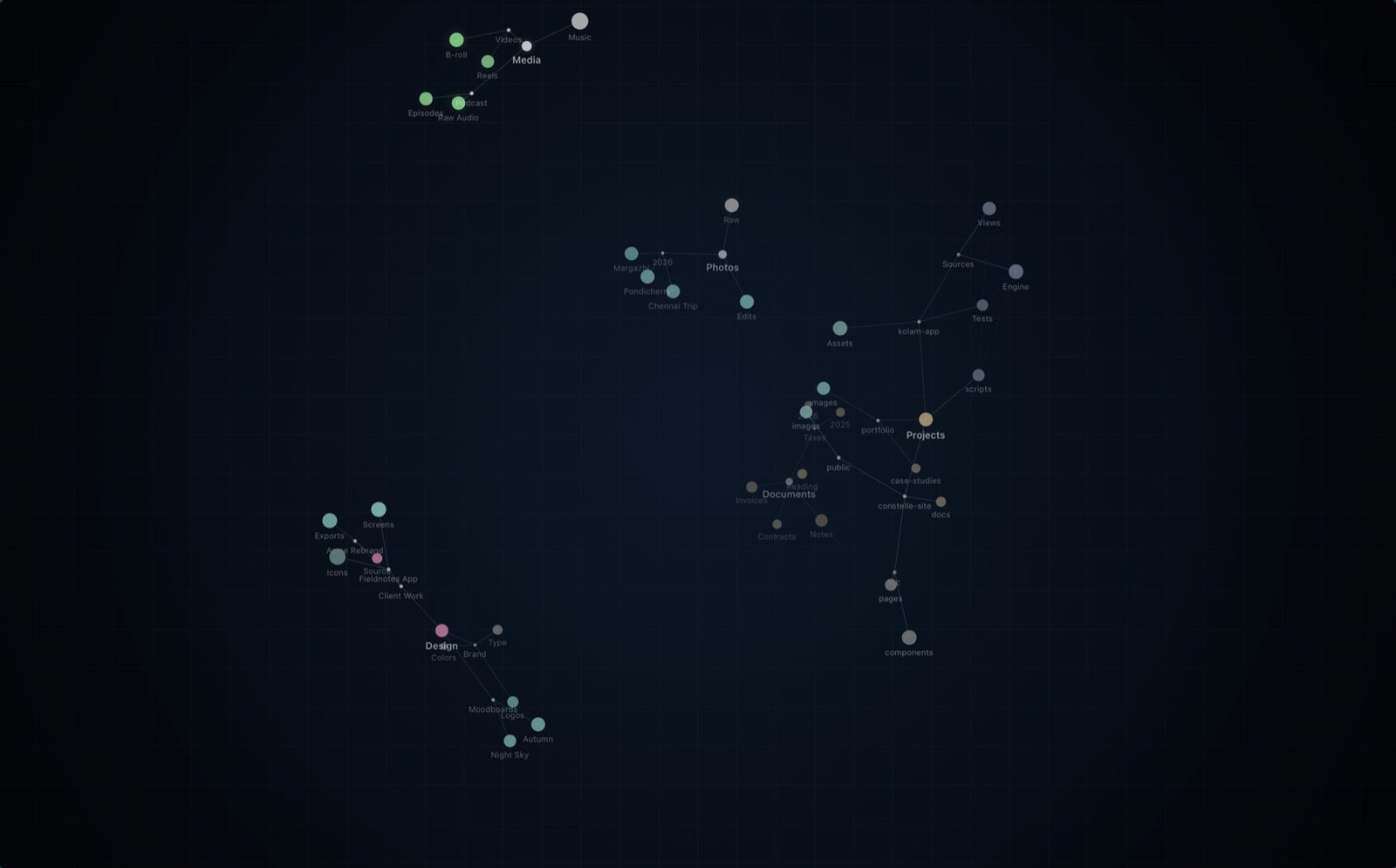
Your folders, as a living constellation
Constelle draws the folders you choose as a slowly turning 3D sky behind your windows, on every screen and every Space.
- Each folder is a star, linked to its subfolders and to folders holding similar files.
- Color shows what's inside: design, images, documents, code or media. Brightness shows size.
- Busy areas fold into clusters you can click open; search still finds everything inside.
- Hover a folder for its size, file types and neighbours. Double-click to open it in Finder.
Search
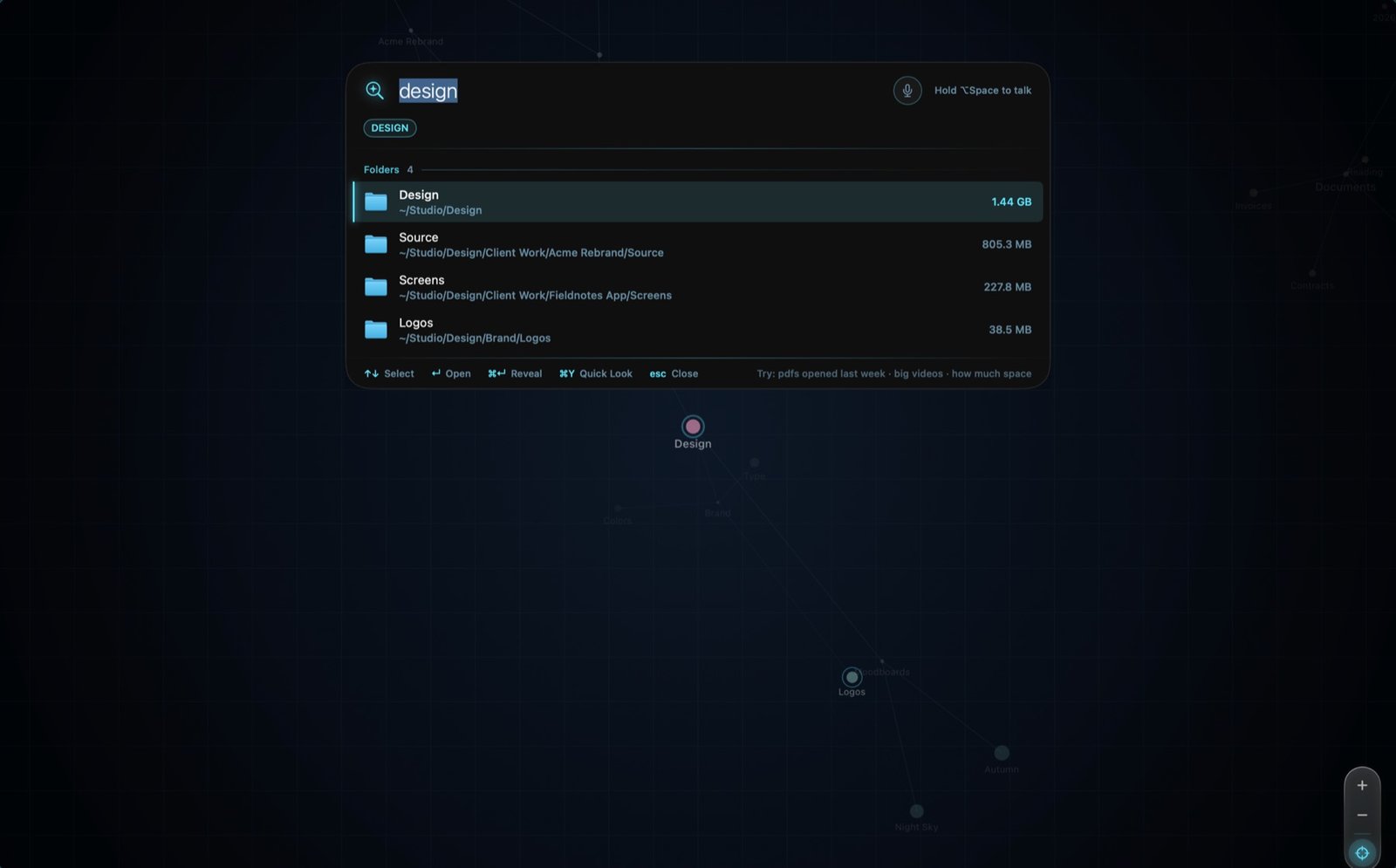
Find anything with ⌥Space
One shortcut, from anywhere. Type it, or hold the keys and say it.
- Folders, files (through Spotlight), quick answers and commands in one bar.
- Understands plain language: "big videos", "PDFs opened last week", "in Downloads".
- The constellation lights up where the results live, and the camera flies there.
- Quick Look with ⌘Y, reveal in Finder with ⌘↵, or drag results straight out.
Dashboard
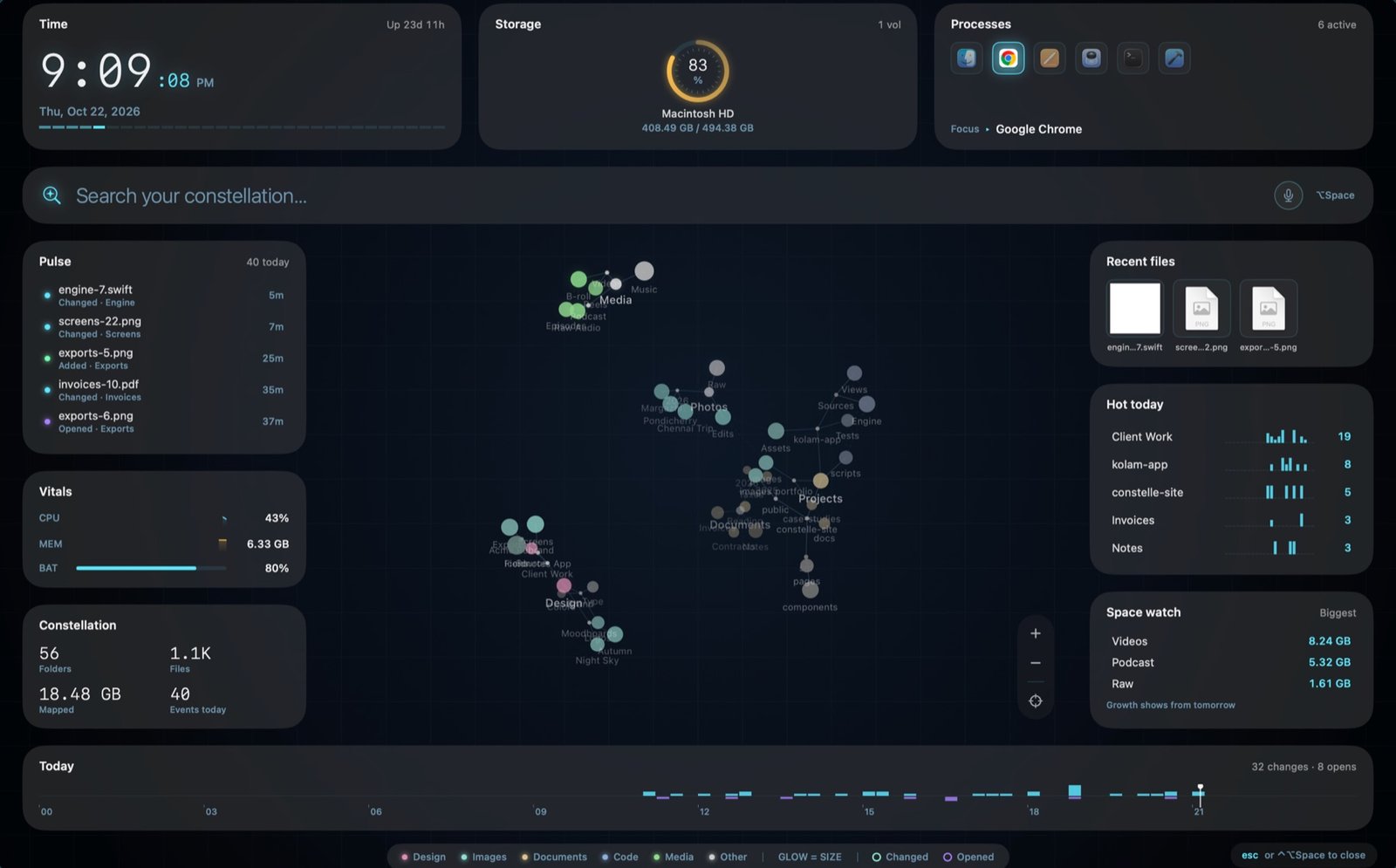
Mission control for your Mac
A full-screen constellation with the things you glance at all day.
- Time, storage, running apps, CPU, memory and battery.
- Pulse: a live feed of files you changed and opened today.
- Recent files, today's busiest folders and what's taking up space.
- Keep it on a second screen, or summon it over any screen with ⌃⌥Space.
Activity
A map that pulses as you work
Save a file and its folder flashes and ripples, with a light running up to the root. Open one in any app and it glows.
- Changes arrive straight from macOS, with no polling and no indexing of its own.
- A faint ring lingers for a minute, so you can follow a burst of work across folders.
- Motion pauses when the wallpaper is covered, the Mac sleeps, on battery or with Reduce Motion.
Share
Show off your constellation
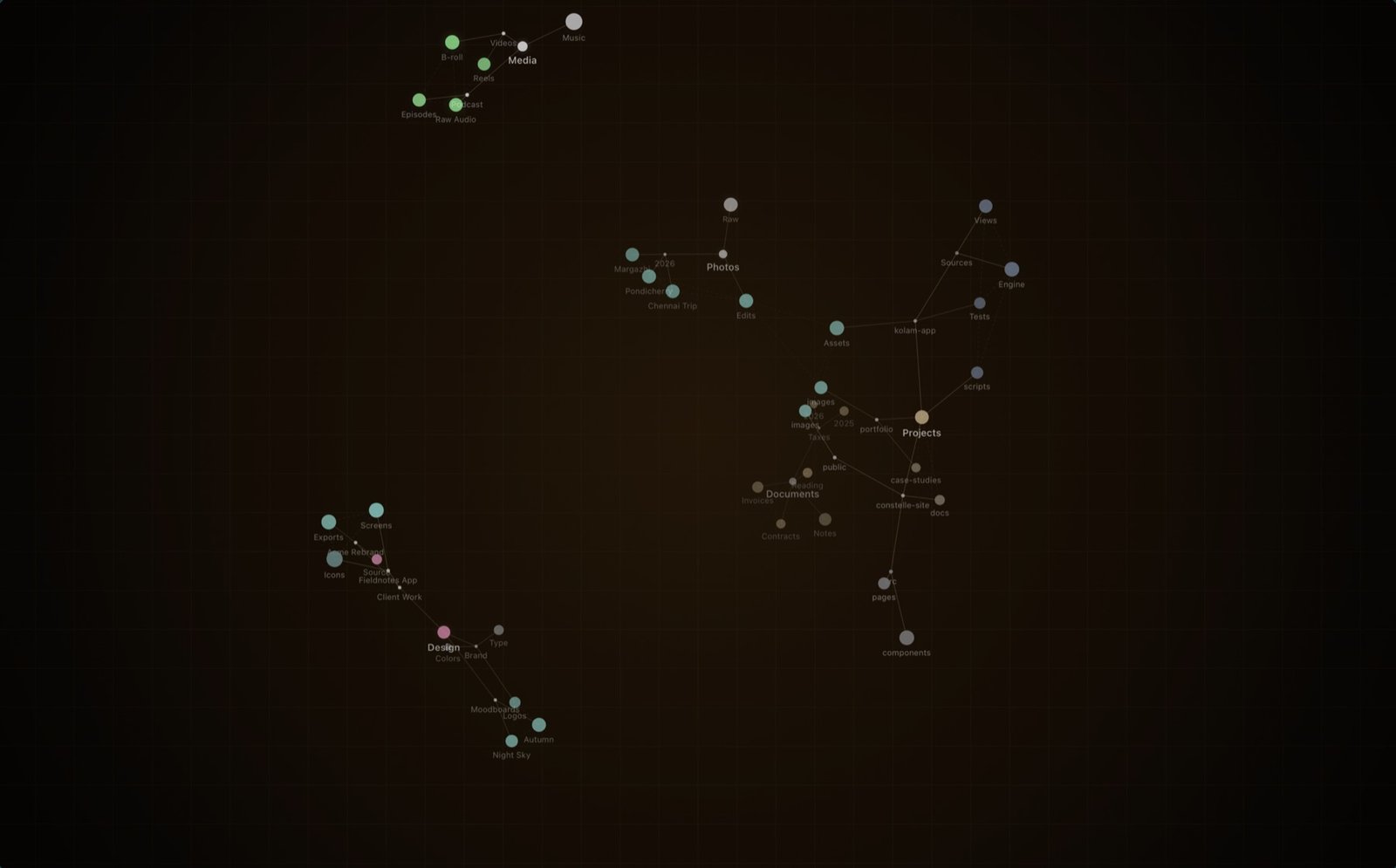
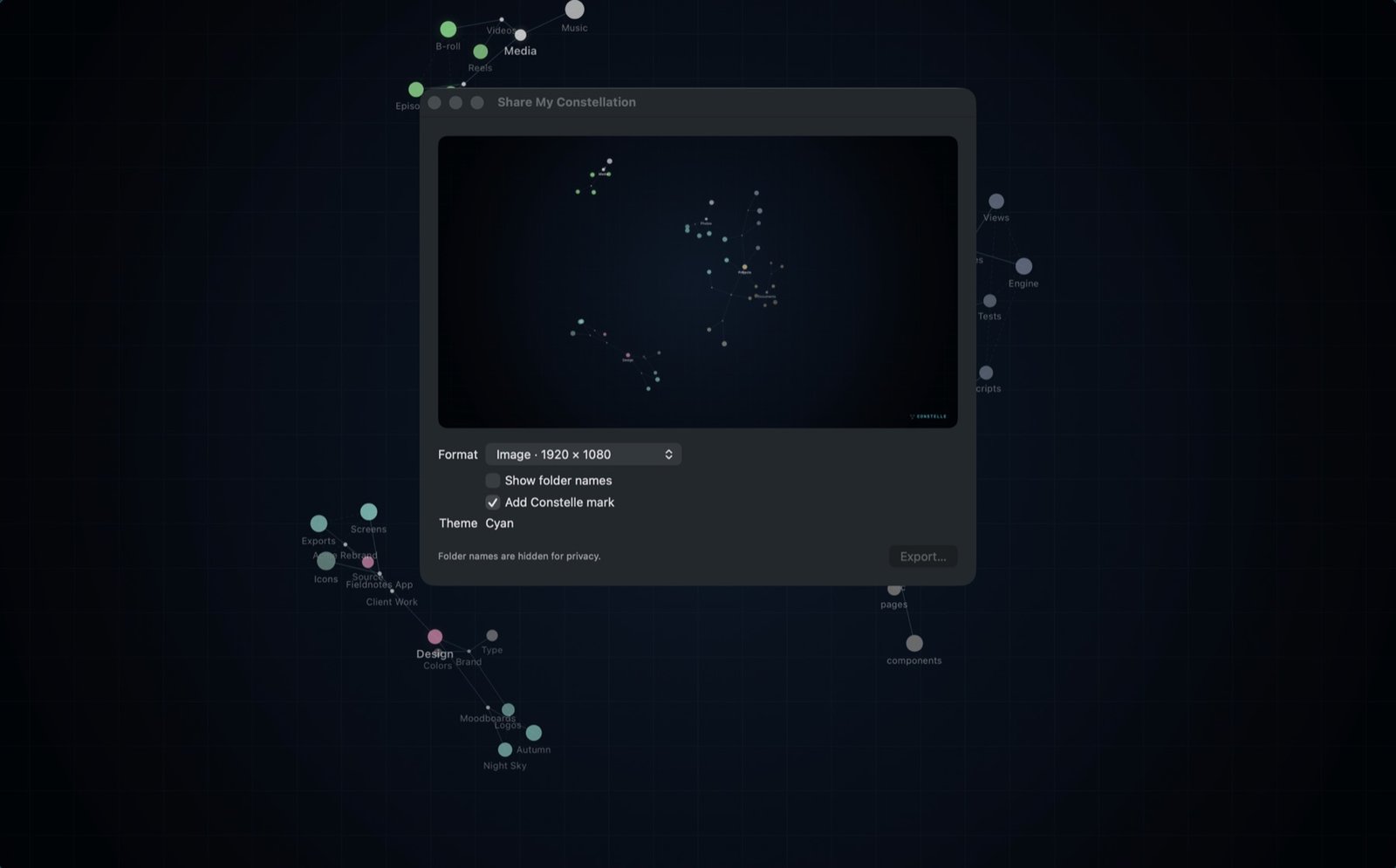
Export a 4K image or a seamless six-second looping video of one full turn.
- Hide folder names for privacy with one switch.
- Pick any theme for the export.
- Perfect for a wallpaper, a profile banner or a "what I worked on this year" post.
And more
Small things that add up
Learns what you open
Results you pick rank higher next time. Follow up on a search ("only the big ones") and match by meaning: "tax papers" finds Tax-Documents.
Ask out loud
"Show Projects in Constelle", "How much space is left in Constelle". Every action is available in the Shortcuts app too.
Free-form requests
On Macs with Apple Intelligence, Constelle can use Apple's on-device model to understand what you mean. You can turn it off.
Five skies
Cyan, Amber, Mono, Aurora and Cosmos, applied to the wallpaper, dashboard and search alike.
At home on macOS 26
Panels, search and controls float on Liquid Glass, with a classic HUD look on earlier versions of macOS.
Out of your way
Constelle lives in the menu bar with no Dock icon, starts at login if you like, and uses close to zero energy when idle.
Keyboard
Shortcuts
| ⌥Space | Open or close search, from any app |
| Hold ⌥Space | Search by voice; release to search |
| ⌃⌥Space | Summon the dashboard over the current screen |
| Space | Open search while the dashboard is focused; hold to talk |
| ↑ ↓ ↵ | Pick a result and open it |
| ⌘↵ | Reveal the result in Finder |
| ⌘Y | Quick Look the selected result |
| Esc | Close search or the summoned dashboard |
In the constellation: drag empty space to orbit, scroll to pan, pinch to zoom, double-click empty space to fit, drag a star to move it and double-click it to open the folder.
Requirements
What you need
Ready to see your work?
Constelle is free on the Mac App Store.
Download on theMac App StoreConstelle is in review. Check back soon.